


Model Checking in the MBD Workflow: Enhancing Efficiency of Individual Departments and Collaborative Operations
Release time:
2025-05-09 09:52
Source:
The Charm of MBD Model Checking
In today's rapidly developing technology field, the MBD (Model-Based Design) workflow is gradually becoming a powerful assistant for design engineers. Especially MBD model checking Its importance in product development, manufacturing, and quality inspection is self-evident. It not only helps us ensure design accuracy but also improves the efficiency of manufacturing and quality inspection, allowing engineers' creativity to flourish.
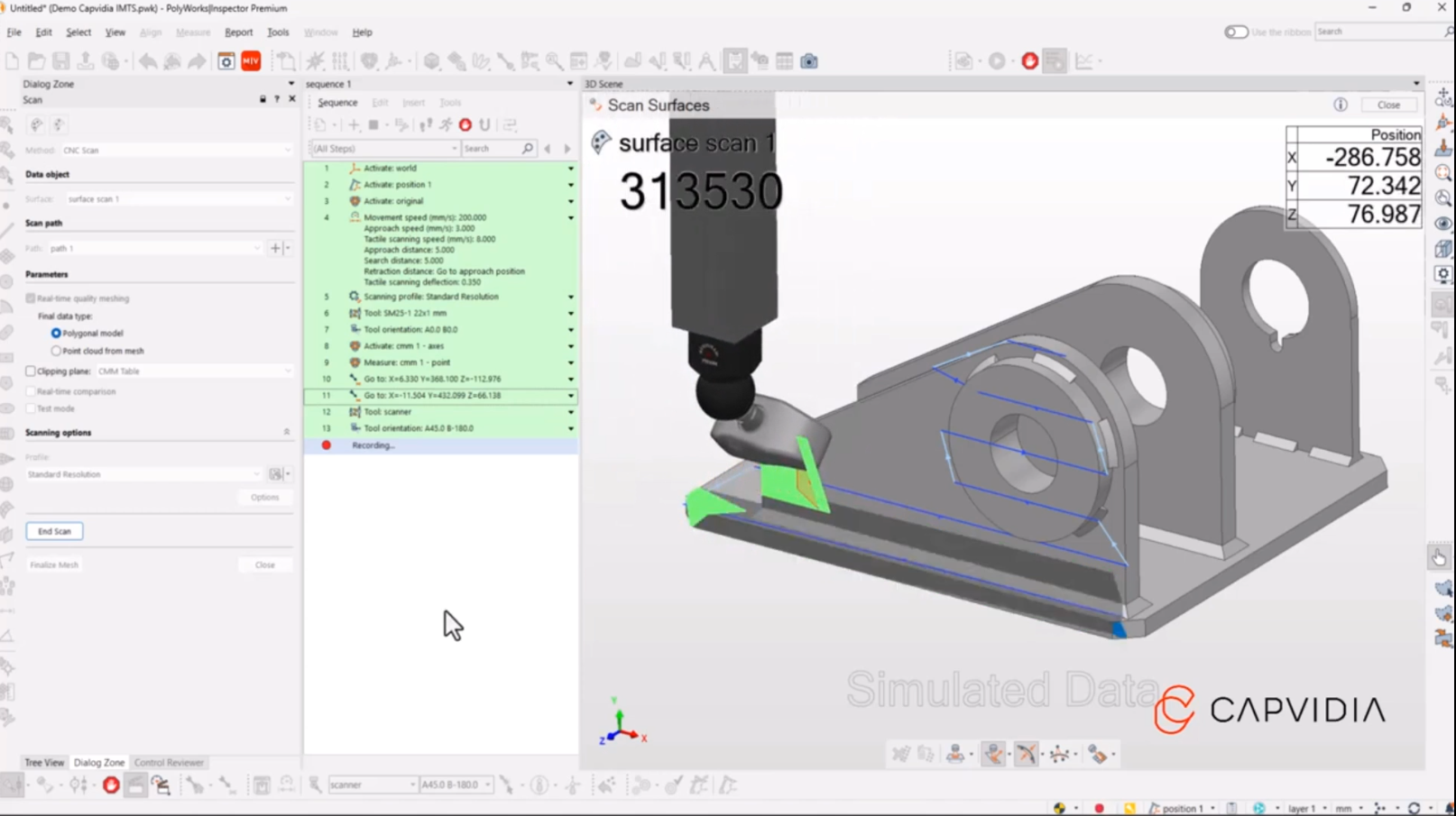
Overview of the MBD Workflow
1. 3D Model Creation and Annotation (Design Phase)
Model Construction: Use CAD software (such as CATIA, SolidWorks, NX) to create the product's 3D geometric model.
PMI Integration: Embed PMI (Product Manufacturing Information) in the model, including:
Dimensional tolerances (GD&T), surface roughness, material specifications;
Assembly relationships, welding symbols, annotation notes, etc.
Standardized Definition: Follow industry standards (such as ASME Y14.41, ISO 16792) to ensure the model information is standardized and readable.
2. Data Management and Collaboration (PLM Integration)
Model Release: Upload the MBD model to the PLM (Product Lifecycle Management) system for unified version and change management.
Cross-department Collaboration: Design, process, manufacturing, quality, and other departments share the model to access the latest data in real time, reducing communication errors.
Lightweight Model Generation: Export lightweight formats (such as JT, 3D PDF) for non-design departments to view, protecting intellectual property.
3. Process Planning and Simulation (Process Phase)
Process Design: Plan machining paths, assembly sequences, and tooling fixture designs based on the MBD model.
Manufacturing Simulation: Generate CNC code through CAM software (such as Mastercam) and perform virtual machining verification (such as collision detection, time estimation).
Automatic Process Document Generation: Extract PMI information from the model to automatically generate work instructions, process cards, and other documents.
4. Manufacturing Execution (Production Phase)
Direct Equipment Connection: Import the MBD model directly into CNC machines, 3D printers, or robots to drive equipment production according to model parameters.
Digital Inspection: Use coordinate measuring machines (CMM) or optical scanning devices to compare actual products with the MBD model and automatically generate inspection reports.
Real-time Feedback: Production data is linked with the model to support quick problem localization and process adjustment.
5. Quality Verification and Closed-loop Optimization
Data Comparison: Detect key features defined by PMI in the MBD model to ensure the product meets design requirements.
Problem Traceability: Use historical versions and change records in the model to trace the root causes of manufacturing defects.
Iterative Improvement: Optimize the model based on production feedback, update the master model in the PLM system, forming a continuous improvement closed loop.
The Importance of Model Checking
Have you ever wondered why many projects encounter the embarrassment of "rework"? This is often because sufficient MBD model checking was not performed in the early design stage. Through model checking, we can identify potential problems during the design phase, avoid large-scale modifications later, and save time and costs. In short, MBD model checking safeguards our future work.
1) Ensure Accurate Transmission of Design Intent
PMI Integrity Verification: Check whether the embedded Product Manufacturing Information (PMI) in the model (such as dimensional tolerances, geometric tolerances, surface roughness) is complete and meets design requirements, avoiding manufacturing deviations caused by missing or incorrect information.
Geometric Consistency Confirmation: Verify whether the 3D geometric model is consistent with the design intent (such as feature shapes, assembly relationships) to prevent machining failures or assembly interference caused by modeling errors.
2) Avoid Chain Errors in Downstream Processes
Manufacturing Risks: Undetected model errors may lead to incorrect CNC code generation, abnormal tool paths, or even equipment collisions, causing material waste and production delays.
Inspection Failures: If tolerance definitions in the model are inaccurate, inspection equipment will operate based on incorrect standards, resulting in false rejection of good products or defective products entering the market.
3) Compliance with Industry Standards and Regulations
Standardization Review: Check whether the model complies with industry standards (such as ASME Y14.41, ISO 16792) for MBD definitions to ensure compatibility across different systems and departments.
Regulatory Compliance: In highly regulated industries such as aerospace and automotive, models must meet specific safety and quality certification requirements (such as ISO 9001); checking is a necessary compliance step.
4) Improve Cross-department Collaboration Efficiency
Data Consistency Assurance: Ensure through checking that the version of the model released in the PLM system is unique and accurate, avoiding communication conflicts caused by inconsistent data among design, process, and manufacturing departments.
Lightweight Model Reliability: Exported lightweight models for collaboration (such as 3D PDF, JT files) must retain key PMI information; checking ensures that non-design personnel receive complete and usable information.
5) Support Stability of Automated Processes
Code Generation Verification: If the model has topological errors or parameter conflicts, automatically generated CNC code or inspection programs may fail; checking can intercept such issues in advance.
Digital Twin Foundation: The MBD model is the core data source of the digital twin; checking ensures consistency between the virtual model and physical entity, supporting predictive maintenance and real-time optimization.
6) Reduce Total Lifecycle Costs
Low Early Error Correction Cost: Detecting and fixing errors during the design phase costs only 1/10 of the cost of fixing them during manufacturing (according to NASA research).
Reduce Rework and Recalls: Model checking avoids design defects after mass production, reducing recall risks and maintenance costs.
Key Contents of MBD Model Checking
- Geometric Integrity: Check for broken surfaces, unclosed surfaces, interferences, etc.;
- PMI Normativity: Whether tolerance annotations comply with standards and whether comments are clear and unambiguous;
- Data Correlation: Whether the association between the model and BOM (Bill of Materials) and process documents is accurate;
- Version Consistency: Whether the model and other documents in the PLM system are synchronized in version.
Future Outlook
With continuous technological advancement, the tools and techniques for MBD model inspection are also evolving. In the future, we can expect more intelligent inspection tools that will automate the detection process, further improving design accuracy and efficiency. Imagine engineers just needing to click once to get a comprehensive model inspection report—it's truly exciting!
MBD Model Checking